Tips to Boost Your Phone’s Performance without a Upgrade
Smartphones are expensive, and with the rising cost of living, upgrading your phone every year isn’t always practical. The good news is that you don’t have to buy a new device to enjoy better performance. With a few simple adjustments, you can make your phone feel faster, smoother, and more reliable without spending any money.
Whether you’re commuting in Vancouver, dealing with freezing winter temperatures in Manitoba, or managing limited mobile data in smaller towns, these tips will help your phone perform at its best.
Clear Out Unused Apps and Files
Remove Apps You No Longer Use
Many people download apps for travel, seasonal events, or short-term needs and forget about them later. These unused apps often run in the background and slow your phone down.
Take time every few months to review your apps and delete anything you haven’t used recently. This instantly frees up memory and improves performance.
Free Up Storage Space
Low storage space is one of the most common reasons phones become slow.
Helpful ways to free up space include:
- Deleting duplicate photos and blurry images
- Removing old videos and screen recordings
- Clearing large files from messaging apps
Try to keep a healthy amount of free storage so your phone can run smoothly.
Restart Your Phone Regularly
Many people leave their phones running for weeks at a time. Restarting your phone helps clear temporary files and stops background processes that may be slowing it down.
Restarting your device regularly can:
- Improve overall speed
- Reduce app crashes
- Help battery performance
A simple restart once in a while can make a noticeable difference.
Keep Your Software Updated
Install System Updates
Software updates often include performance improvements, security fixes, and bug patches. Keeping your phone updated helps ensure it runs efficiently with popular apps such as mobile banking, transit tools, and government services.
Be Careful with Older Phones
If your phone is several years old, it’s a good idea to read reviews before installing major updates. Some older devices may struggle with newer features.
Reduce Background Activity
Limit Background App Refresh
Many apps refresh constantly, using memory and mobile data. This is especially important for people on limited data plans.
You can improve performance by allowing only essential apps, such as email or maps, to refresh in the background.
Control Notifications
Too many notifications wake up your phone repeatedly and use system resources. Turning off unnecessary alerts helps improve speed and battery life.
Improve Battery Efficiency
Use Battery Saver Mode
Battery saver modes reduce background activity and visual effects, which can make older phones run better.
Protect Battery Health
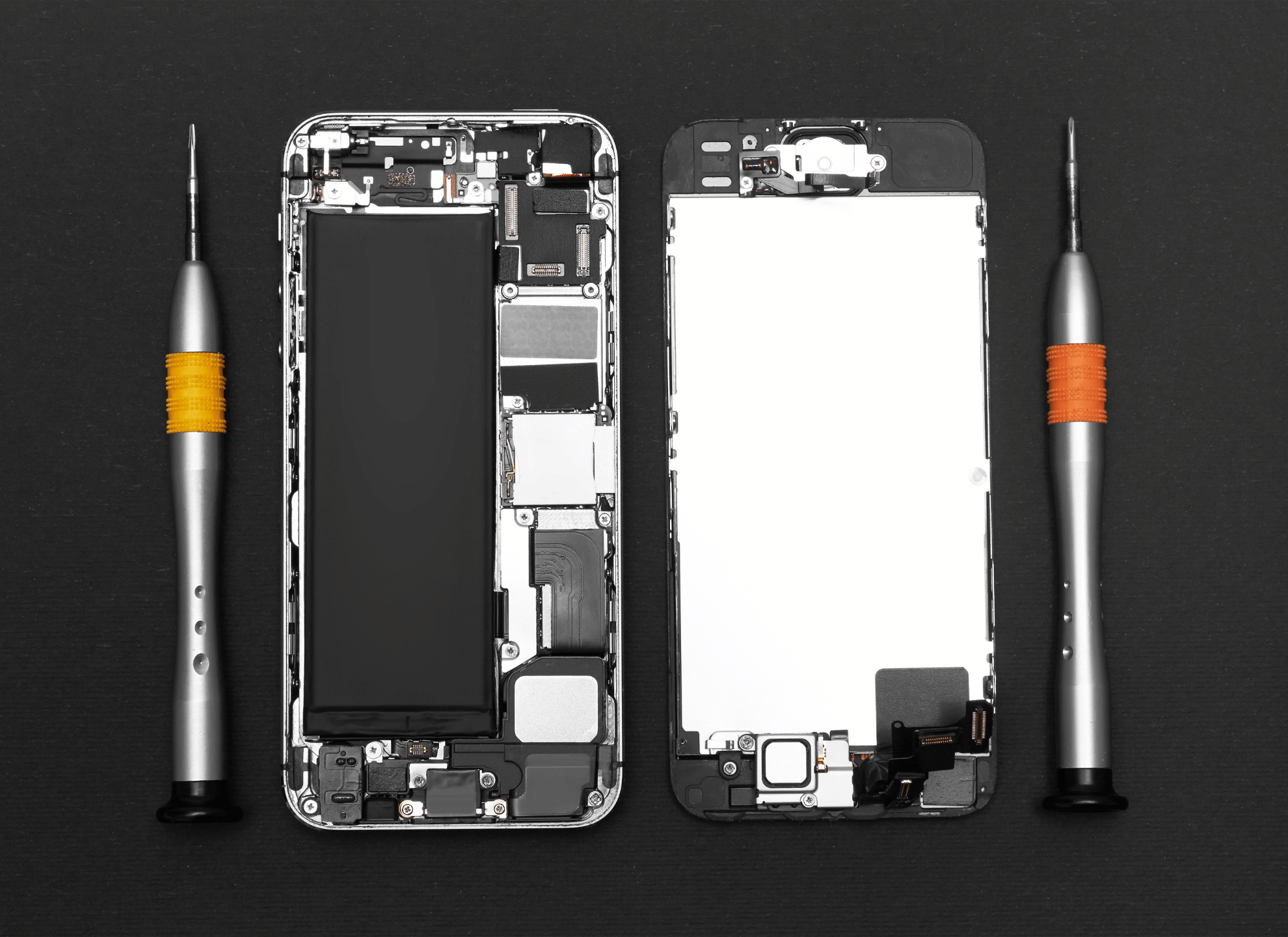
Cold winters can affect battery performance more than people realize. If your phone shuts down unexpectedly or slows down when the battery is low, the battery may be the issue.
Replacing a worn battery is often much cheaper than buying a new phone.
Reduce Visual Effects
Simplify Your Phone’s Appearance
Live wallpapers, animations, and visual effects can use extra processing power.
To speed things up:
- Switch to a static wallpaper
- Reduce motion and animation effects
- Use a simple home screen layout
These small changes can make your phone feel faster.
Keep Your Phone Physically Clean
Phones often spend time in coat pockets during winter, collecting dust and lint.
Cleaning the charging port and speakers carefully can:
- Improve charging performance
- Prevent overheating
- Extend battery life
Use a soft brush or compressed air and avoid sharp tools.
Manage Home Screen Apps and Widgets
Widgets such as weather and news updates refresh frequently and use system resources. Keeping only essential widgets can help your phone run more smoothly.
A clean and organized home screen also improves usability and reduces background activity.
Use Lighter App Versions
Many popular apps offer lighter versions that use less storage, memory, and data. These are ideal for older phones and budget-friendly mobile.
Using web versions of apps, when possible, can also improve performance.
Reset Settings if Needed
If your phone still feels slow, resetting system settings can help fix hidden issues. This process keeps your personal data while restoring default system preferences. Always back up your phone data before making any changes.